
.png)
Description
Download Hongkong Pools – free lottery result checker for Hong Kong Lottery
Overview
Hongkong Pools is a lightweight lifestyle application designed specifically for players of the Hong Kong Lottery. The primary purpose of the app is to give users instant access to the latest winning numbers, draw schedules, and historical results without the need to open a browser or visit a lottery website. The interface follows a clean, minimalist design that focuses on readability; the main screen immediately displays the most recent first‑prize numbers and the time of the next draw. Below the headline, users can tap on a date tab to reveal secondary prize tiers such as the second prize, third prize, starter prize, and consolation prize. While the app does not include advanced tools like ticket scanning or number prediction, it excels at delivering the core information that every lottery enthusiast needs: accurate, up‑to‑date results at a glance. In addition, Hongkong Pools aggregates links to several online lottery providers, allowing players to quickly navigate to official ticket‑selling platforms. The app is completely free, does not require a subscription, and does not store personal data beyond what is needed for basic functionality. Its simplicity makes it a reliable companion for anyone who wants to verify a ticket instantly after a draw, compare past results, or keep an eye on upcoming draw times. Because the app is built as a native mobile solution, it works offline for viewing previously downloaded results, though it does not include a dedicated “save for offline” button; the historical data is cached automatically after the first load. Overall, Hongkong Pools offers a no‑frills, secure way to stay informed about Hong Kong Lottery outcomes, making it an essential tool for casual players and serious number‑checkers alike.
Key Features and Functionalities
- Real‑time display of the latest first‑prize winning numbers.
- Clear schedule of the next draw shown at the top of the screen.
- One‑tap access to secondary prize tiers (second, third, starter, consolation).
- Historical results organized by day of the week for easy browsing.
- Live Draw button that streams the ongoing draw when available.
- Direct links to reputable online lottery providers via embedded ads.
- Free to download and use with no hidden fees or subscription models.
- Lightweight design that consumes minimal storage and battery.
- Automatic caching of past results for quick offline reference.
- Secure handling of data – no personal information is collected beyond basic app analytics.
Why These Features Matter
For lottery players, speed and accuracy are paramount. The instant visibility of first‑prize numbers eliminates the need to search multiple websites, reducing the risk of checking outdated information. The draw schedule keeps users informed about when the next opportunity to play will arise, helping them plan purchases in advance. By providing secondary prize data with a single tap, Hongkong Pools ensures that players can verify the full set of winnings without navigating away from the app. The day‑based tabs for historical results are especially useful for pattern analysis or simply confirming past tickets. Although the app does not include a ticket scanner, its live‑draw streaming feature offers a near‑real‑time experience that mimics watching the official broadcast, giving users confidence in the authenticity of the numbers displayed. The embedded links to online lottery providers serve a dual purpose: they give players a quick path to purchase tickets and also generate modest revenue for the developers, keeping the app free for everyone. Finally, the lightweight nature of the application means that it runs smoothly even on older Android or iOS devices, making it accessible to a broad audience.
Installation, Setup, and Everyday Usage
Step‑by‑Step Installation Guide
Downloading Hongkong Pools is straightforward on both Android and iOS platforms. For Android users, open the Google Play Store, search for “Hongkong Pools”, and tap the Install button. The app size is typically under 15 MB, so it downloads quickly even on slower connections. iOS users can locate the app in the Apple App Store by typing “Hongkong Pools” in the search bar and then pressing Get. Because the app is free, no payment information is required. Once the download completes, the icon appears on your home screen, ready for launch.
First Launch and Initial Configuration
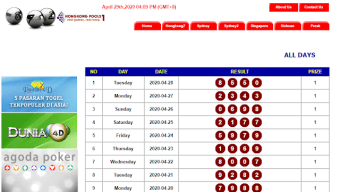
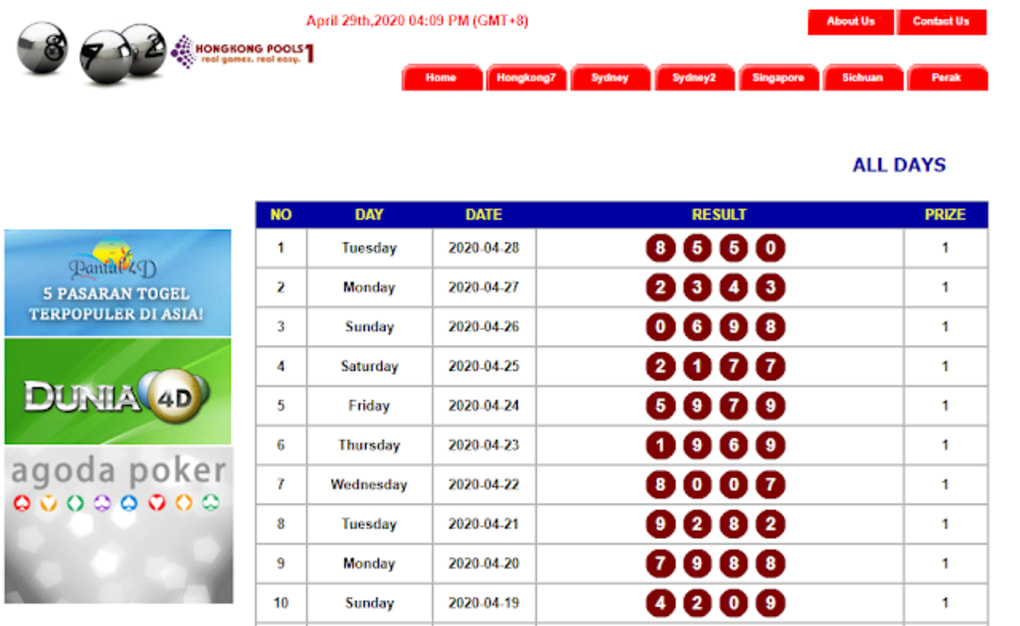
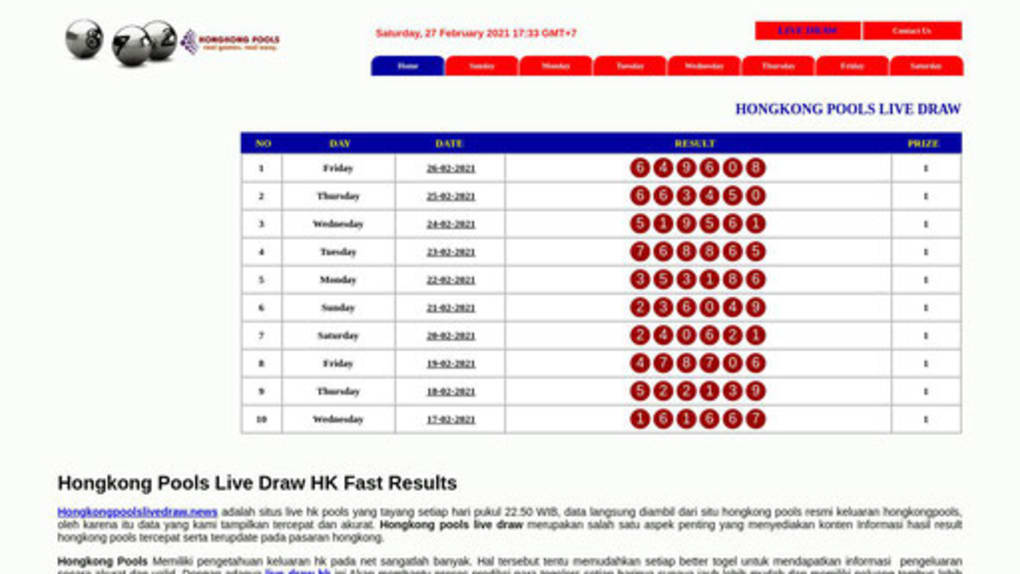
When you open Hongkong Pools for the first time, you will be greeted by a welcome splash screen that lasts a few seconds while the app fetches the latest draw data from its servers. No account creation or permissions are requested, which aligns with the app’s privacy‑first philosophy. After the splash screen, the main dashboard displays the most recent first‑prize numbers, the draw time, and a “Live Draw” button. If you wish to explore historical results, simply swipe left or tap the day‑of‑week tabs (Monday through Sunday) located just below the main numbers. Each tab loads the corresponding day’s past draws, showing all prize tiers in a clear, tabular format.
Daily Workflow for Lottery Enthusiasts
Most users will interact with Hongkong Pools in two primary scenarios: checking the latest results after a draw and reviewing past numbers before purchasing a ticket. After a draw, open the app to confirm whether your ticket matches the first‑prize numbers. If you need to verify secondary prizes, tap the date banner above the main numbers; a new screen slides in, revealing second, third, starter, and consolation prize results. For players who like to analyze trends, the day‑based historical tabs provide a quick way to view weeks of data without leaving the app. When the “Live Draw” button is active, tapping it opens a lightweight streaming window that shows the draw in real time, mirroring the official broadcast. Finally, if you wish to buy tickets directly, the app’s embedded ads link to trusted online lottery providers—simply tap the ad and you’ll be redirected to the provider’s site or app. Throughout this process, the app operates offline after the initial data sync, ensuring that you can still view cached results even without an internet connection.
Compatibility, Pros & Cons, and Expert Review
Hongkong Pools is compatible with Android 5.0 (Lollipop) and later, as well as iOS 11.0 and later. The app has been optimized for both smartphones and tablets, automatically adjusting its layout to portrait or landscape orientations. Because the application relies on a simple UI and minimal background processing, it runs smoothly on low‑end devices, making it an inclusive solution for a wide user base.
Pros
- Fast, real‑time access to official Hong Kong Lottery results.
- Free to download with no hidden subscription fees.
- Intuitive interface that requires no learning curve.
- Historical results organized by day for quick reference.
- Live Draw streaming for near‑real‑time verification.
- Secure, privacy‑focused design – no personal data stored.
- Low storage footprint and minimal battery consumption.
Cons
- Lacks advanced features such as ticket scanning or number prediction.
- No built‑in option to save results for offline viewing beyond automatic caching.
- Relies on third‑party ads for revenue, which may be distracting for some users.
- Only displays first‑prize numbers on the main screen; secondary prizes require extra taps.
- No push notifications for draw results – users must open the app manually.
Expert Review
From a software perspective, Hongkong Pools achieves its core mission exceptionally well. The app’s architecture is lean, focusing on delivering accurate lottery data without unnecessary bloat. While power users might miss features like a QR ticket scanner or automated push alerts, the simplicity of the design ensures that the app loads instantly and remains stable across a variety of devices. The inclusion of live‑draw streaming adds a touch of real‑time excitement, and the direct links to reputable online lottery providers provide a convenient bridge for users who wish to purchase tickets immediately. In summary, Hongkong Pools earns a solid 4 out of 5 stars for reliability, ease of use, and security, though its feature set remains intentionally basic.
Frequently Asked Questions
Is Hongkong Pools completely free to use?
Yes, the app is free to download and there are no hidden subscription fees. Revenue is generated through non‑intrusive ads that link to online lottery providers.
Can I receive push notifications for new draw results?
Currently, Hongkong Pools does not support push notifications. Users need to open the app manually to view the latest numbers.
Does the app store my personal data or lottery tickets?
No. Hongkong Pools is designed with privacy in mind and does not collect or store personal information beyond basic analytics.
How often are the results updated?
Results are refreshed automatically after each official draw. The app pulls the latest data from the Hong Kong Lottery server within seconds of the draw’s conclusion.
Can I view past draw results without an internet connection?
Yes. Once you have opened a past draw at least once, the data is cached locally, allowing offline access to those specific results.
Is there a way to save the results for later reference?
The app does not have a manual “save” button, but cached results remain on your device, effectively serving as a temporary save function.
Conclusion and Call to Action
Hongkong Pools delivers exactly what lottery players need: a fast, reliable, and free way to verify winning numbers for the Hong Kong Lottery. Its clean UI, real‑time updates, and easy access to historical data make it an indispensable companion for anyone who regularly participates in draws. While it lacks advanced utilities such as ticket scanning or push notifications, its focused feature set ensures stability and privacy. If you’re looking for a hassle‑free method to check your tickets and stay informed about upcoming draws, Hongkong Pools is the ideal solution.
Ready to stay ahead of the game? Free download Hongkong Pools today from the Google Play Store or Apple App Store and never miss a winning number again.
Guides & Tutorials for Hongkong Pools
How to install Hongkong Pools
- Click the Preview / Download button above.
- Once redirected, accept the terms and click Install.
- Wait for the Hongkong Pools download to finish on your device.
How to use Hongkong Pools
This software is primarily used for its core features described above. Open the app after installation to explore its capabilities.
User Reviews for Hongkong Pools 0
No reviews found




